




Reference

The block library

Thirty blocks, each one a section an editor drops onto a page. This page is built from them — every section below is an example of the block it describes.

The seven newest blocks

These closed the gaps a survey of Wix, Webflow and Squarespace templates exposed: people, places, persuasion structures, and video. This section is itself a Card Grid in its “Icon” style.

  • Team

    People with roles, bios and icon links. The single most common section across every template category.

    Grid · Plain · Portrait first

  • Contact

    Structured details, opening hours, a keyless map, and the form itself beside them.

    Split · Stacked

  • Card Grid

    The workhorse. Services, locations, packages, departments, programmes — anything that links somewhere.

    5 styles

  • Comparison Table

    Plan against plan, or us against them. A real table on desktop; one card per column on a phone.

    Plans · Competitors

  • Timeline

    Dated chronology. Not Steps — that is a numbered, forward-looking process, and the two render nothing alike.

    Vertical · Alternating

  • Newsletter Signup

    One field and one button. Posts to a form on this site, or straight to an email provider.

    Inline · Banner · Split

  • Video

    Plays a file, not a provider iframe — which is what makes poster frames and muted background loops possible.

    Inline · Full bleed

The same block, in its “Image on top” style

One component with five styles rather than five near-identical blocks. That is the whole argument for the Card Grid: there is one thing to keep good instead of six to keep consistent.

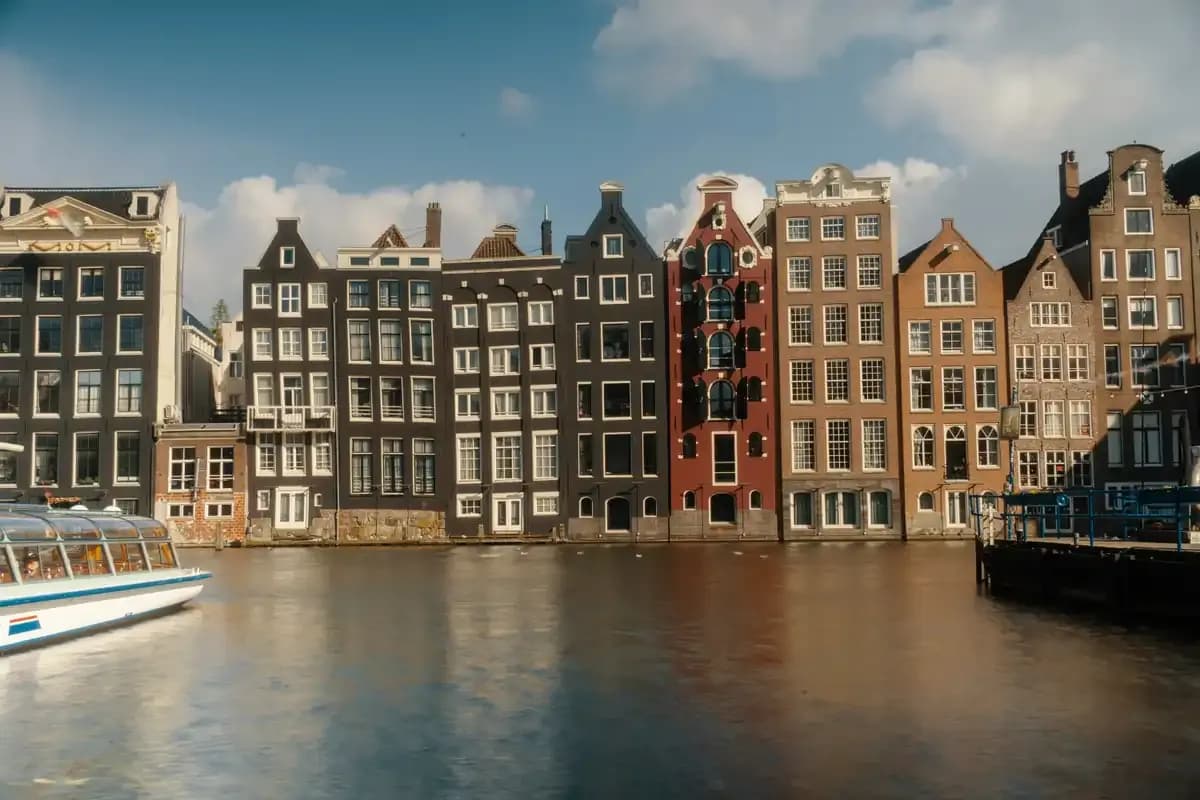
  • A row of historic gabled houses along a city canal, with a tour boat passing
    Archetype

    Agency & portfolio

    The largest category on every template marketplace.

    Popular
  • A red suspension bridge disappearing into coastal fog
    Archetype

    Local service business

    Trust signals above the fold, services with prices, and a way to call.

  • Pink blossom hanging in front of a painted temple eave
    Archetype

    Events & community

    A site whose front page is a calendar.

And in “Image with text over it”

The whole tile is the link in this style — a large image with a small “read more” inside it is a worse target on every device.

Questions the library gets asked

The Accordion block. It is also the FAQ block — there is not a separate one.

How do I add a new block?

A directory under `src/blocks/`, a `config.ts` that calls `registerBlock()`, a `Component.tsx`, and one import line in `register-core.ts`. Never edit `Pages.ts` — it builds its block list from the registry.

Why is there no separate FAQ block?

Because this is it. An FAQ is an accordion with different copy, and a second block would be a second component to keep good for no gain.

Can a plugin add blocks?

Yes, and that is how the Event List and Project Grid blocks get here. A `CorePlugin` contributes blocks the same way it contributes collections, so turning the plugin on makes its blocks appear in the builder and turning it off removes them.

What happens to a block I remove?

Pages that used it keep the stored data, and the renderer logs a warning in development and renders nothing. Removing a block is a schema change and ships a migration like any other.

The Newsletter Signup block

One field, one button. This one is wired to a real form on this site, so a submission lands under Forms with everything else — the other destination is an email provider’s own URL, which the browser posts to directly.

This is the template’s demo site. Submissions go nowhere but its own admin panel.

Page view